Random Lookup
From BACKND Console, you can create, remove, or look up User/Guild random lookup.
The settings for random target lookup can be configured in the SDK.
Random lookup list
In the random lookup list, you can check the following information:
- Random lookup name
- UUID
- Classification: Random lookup type(User/Guild)
- Creation date: The date when the random lookup was created in the console
-e428be539edb85d845b435d0a0a27738.png)
Create random lookup
You can create up to a total of 5 user/guild random lookups.
- You can select a user/guild in Type.
- For random lookup, you can use between 1-16 alphabets(both upper/lower case), numbers, Korean characters, and blanks. This is a mandatory entry field.
-25b164950107e13d0f4f6e856aac7faf.png)
Cannot create random lookup
If you try to create a sixth random lookup, the following error modal will appear.
-d96a1d9c69dd2b89f92f82e313173067.png)
Delete random lookup
You can delete a random lookup.
- The Delete button is enabled only after you select one or more targets.
-1e49ec320b8ead2f5f8c1c064129121e.png)
Look up random lookup details
You can check the number of targets and their information included in the random lookup.
- This prints out the number of all targets included in the random lookup.
- For user random lookup, member number, inDate, and score are printed.
- For user random lookup, you can search targets with their member numbers.
-00ddc18422eb302bd02596b5d78a76a8.png)
- For guild random lookup, guild name, inDate, and score are printed.
- For guild random lookup, you can search targets by their guild names.
-26f41d850aa3a1972782bb844f1f6ad8.png)
Delete/reset random lookup details
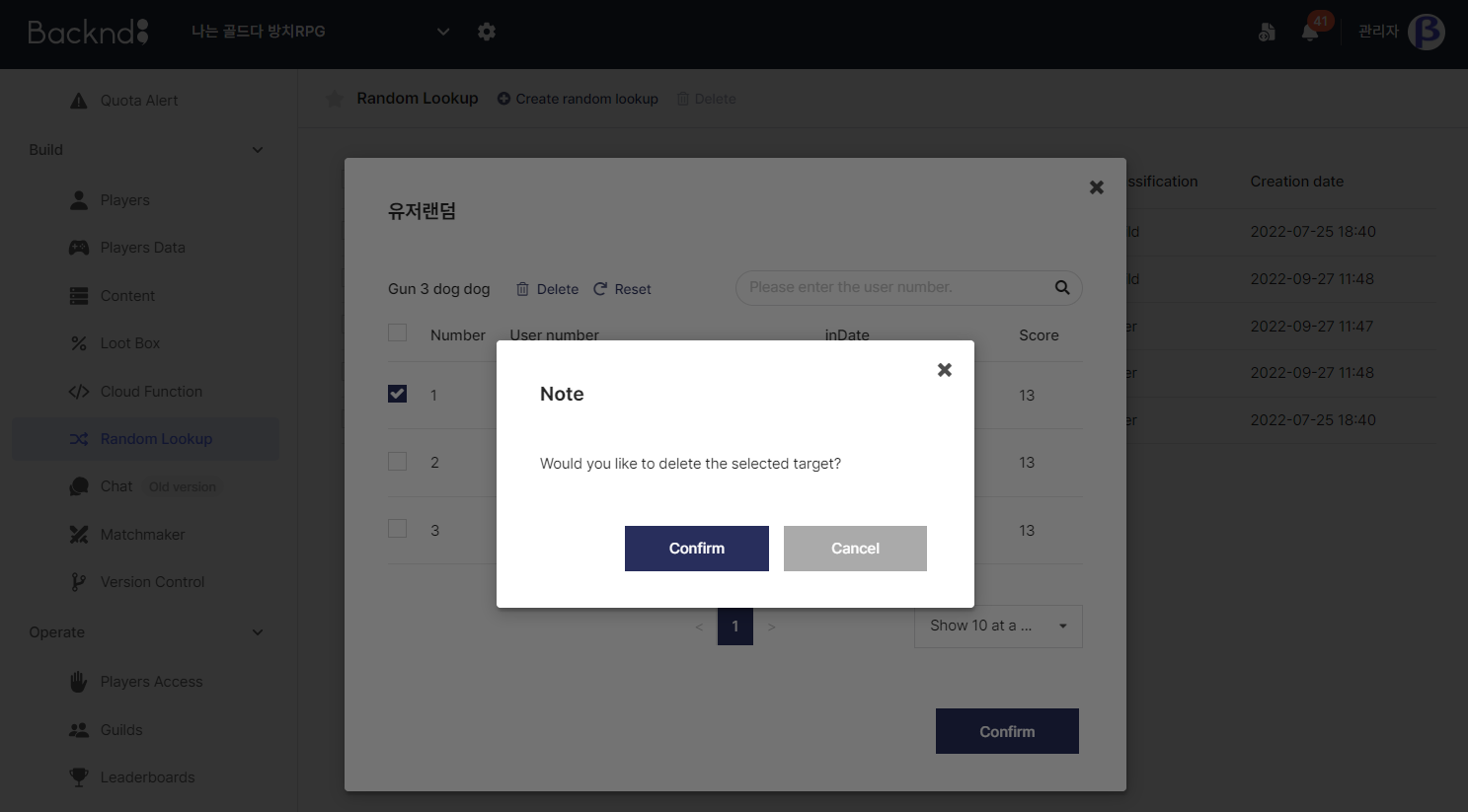
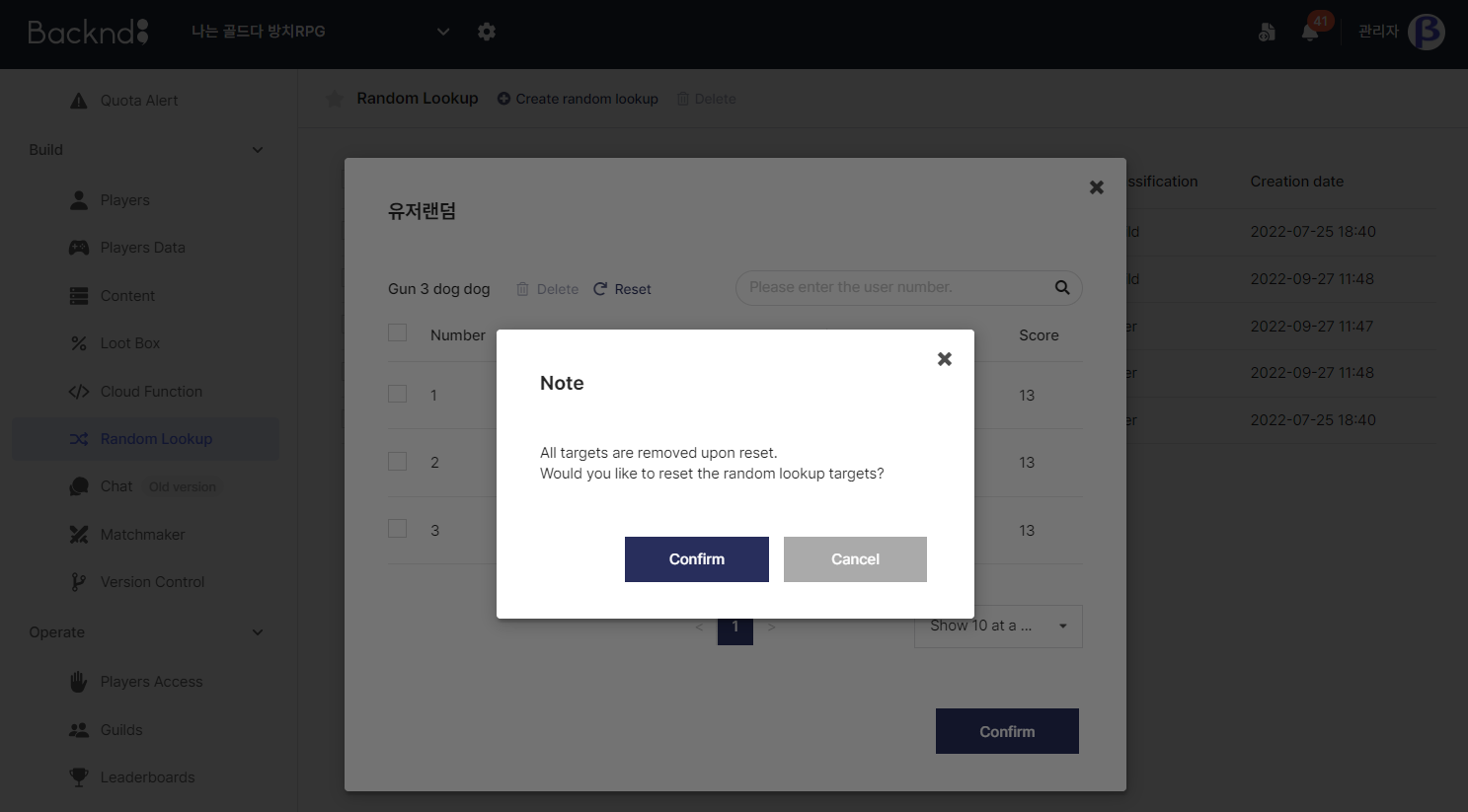
You can delete targets included in random lookup individually or in a batch.
- Upon reset, all targets included in the random lookup are deleted.
- The Delete button is enabled only after you select one or more targets.