Upgrade Function SDK
How to upgrade Function SDK
To update Function SDK, you must copy the API included in the development tool and paste it into the project you are currently using.
1. Download the latest version of Function
Go to Function - Getting Started, download the newly released SDK, and perform the installation.
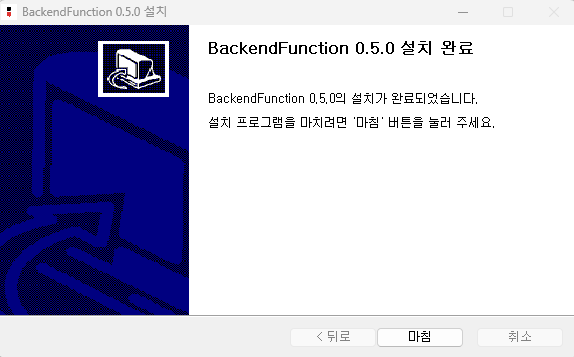
2. Go to the Function installation folder
After installing, go to the folder where Function is installed.
- Windows : C:\Program Files\AFI\BackendFunction\API
- Mac : Applications\AFI\BFunc\API
Window directory
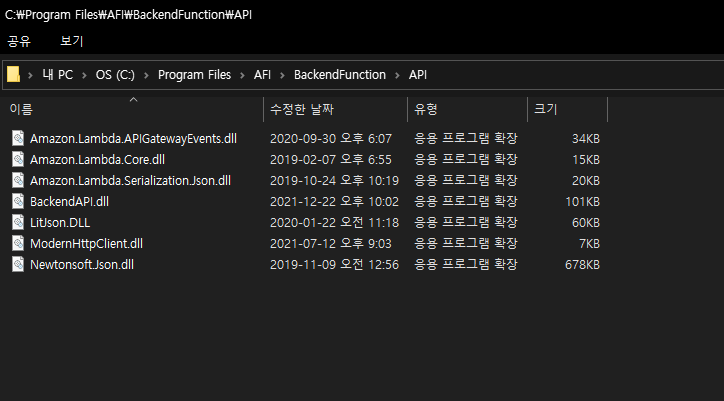
Mac directory

3. Copy dll files in the API folder
Copy all dll files in the API folder.
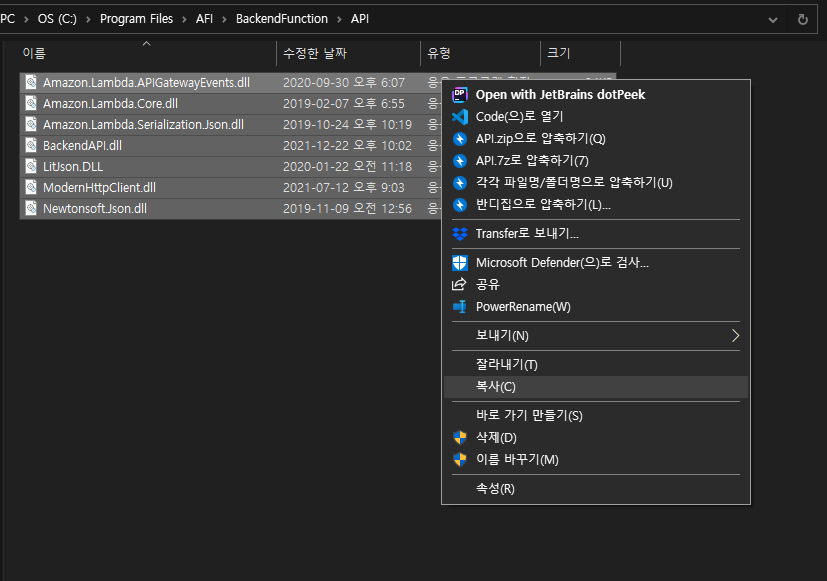
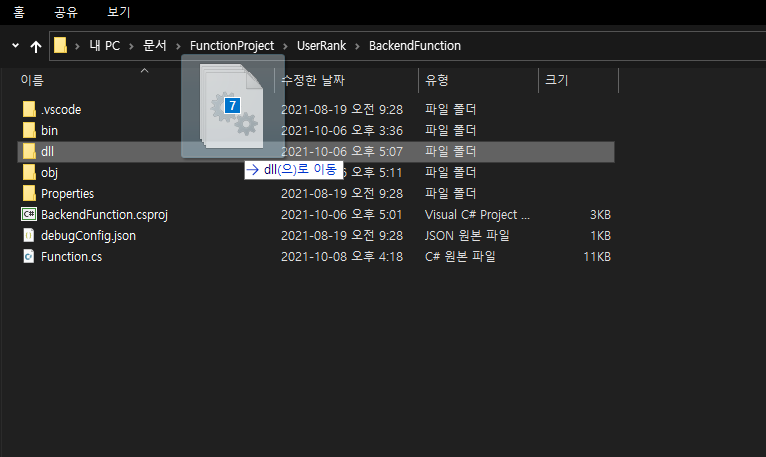
4. Paste into BACKND Function project in use
Paste all the copied files into Project > dll folder of the Function to upgrade.
5. Build and deploy
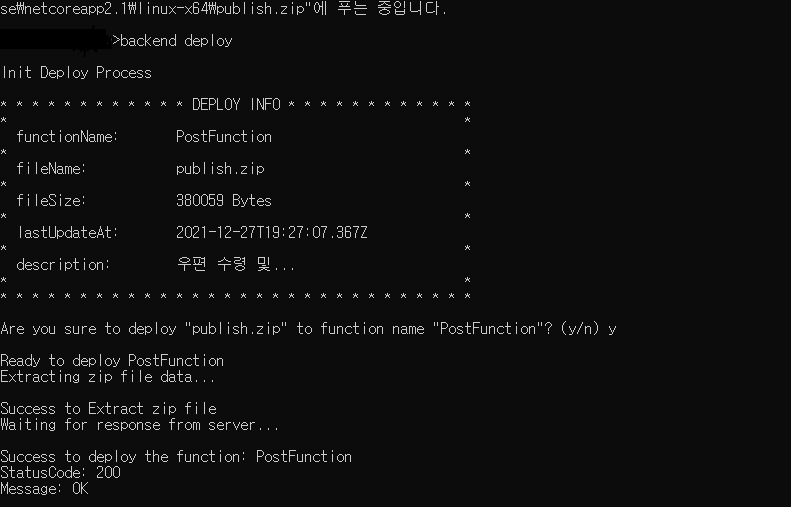
Afterward, build, deploy, and upload the new SDK's Function.
If an error occurs, check if .NET 8.0 is installed.